Offline maps: how to download Google Maps and Organic Maps before a trip
An offline map saves you when the signal disappears: in the mountains, in the metro, on a boat trip or in the first minutes after landing. Download it at home over Wi-Fi — it takes two minutes.

How to download a map in Google Maps
- Open Google Maps and tap your profile picture in the top-right corner.
- Choose “Offline maps” → “Select your own map”.
- Move and zoom the frame so it covers the city or resort. The space it needs is shown at the bottom.
- Tap “Download”, ideally over Wi-Fi.
It works the same on iPhone and Android. Rename maps so you don't mix them up: “Istanbul”, “Kemer”, “Airport”.
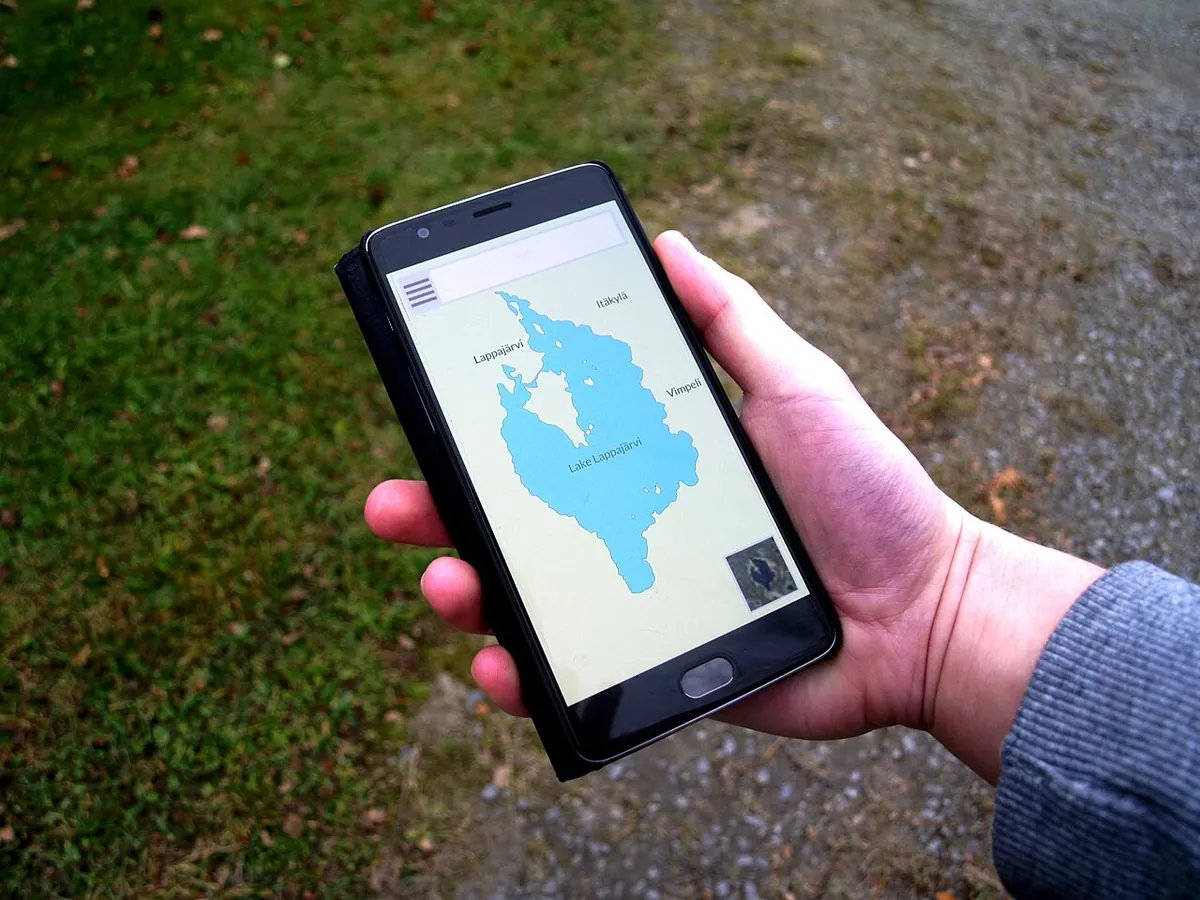
What works offline and what doesn't
- Works: the map, searching addresses and places inside the downloaded area, your GPS location, driving directions.
- Doesn't work: walking and cycling directions, public transport, live traffic, reviews and photos of places, calling a taxi.
Google's offline maps update automatically when the phone is on Wi-Fi. A map that isn't updated for a long time expires and has to be downloaded again.
Organic Maps and Maps.me — when they're better
If you'll be walking without internet — in the mountains, an old town or nature — Organic Maps or Maps.me are more convenient. They download whole countries and build walking routes completely offline, with hiking trails and water points. The downside: less information about places and opening hours than Google.

What else to save before the trip
- Your hotel address in the local language — as a screenshot to show a taxi driver.
- Boarding passes and bookings — in your Wallet or as PDFs.
- A Google Translate language pack for offline translation.
- The local emergency number (112 across Europe).
An offline map is a backup, not a replacement for data
An offline map helps when there's no signal, but taxis, online translation, bookings and public-transport navigation need data. The simplest fix is a travel eSIM you install at home and switch on after landing: at Tutu eSIM, Turkey starts at $2.99, Georgia at $2.49, and all of Europe is $8.99 for 5 GB.
Need data on your trip?
An eSIM for 193 countries in a minute — no roaming, no paperwork.
Pick a countryPopular destinations




More articles

A plain explanation: what an eSIM is, how it differs from a regular SIM, which phones support it and how to get a travel eSIM in a minute.
2 min read · Read →
We compare your carrier's roaming with a travel eSIM: prices, convenience, calls and data. When roaming is fine and when an eSIM saves money.
2 min read · Read →
Mobile data in Turkey without roaming: how much data you need for a week, plans and unlimited, prices and how to install the eSIM before you fly.
2 min read · Read →
Which apps to install before a trip to Turkey: BiTaksi, Uber, iTaksi, İstanbulkart, Moovit, offline translation and food delivery — and how to have data for them from the first minute.
2 min read · Read →
Landed and no data? A step-by-step check for iPhone and Android: data roaming, the right line, carrier network, APN, plan limits and VPN settings.
2 min read · Read →
Pay for a travel eSIM with USDT, TON, BTC or ETH through @CryptoBot — on the website or right in Telegram. How it works, what it costs, and what happens if something goes wrong.
2 min read · Read →